
An Aside is a special Post Type that will appear in the news content stream like an ordinary blog post … but without the title. Handy if you want your blog to look more like social media stream (but without…
Category: First things first
This is the default category for posts. If you forget to create a category it will go here. If you delete a category, the associated posts will end up here. If you cannot be bothered with categories, you can hid the category in many themes.
The modern website must have tools to create full screen covers. It is annoying to have to rely on a plugin to do this, which is where a modern template and blocks can make light work of the job. To get started click the Blue Button and start typing co … and then select Cover from the filtered list.
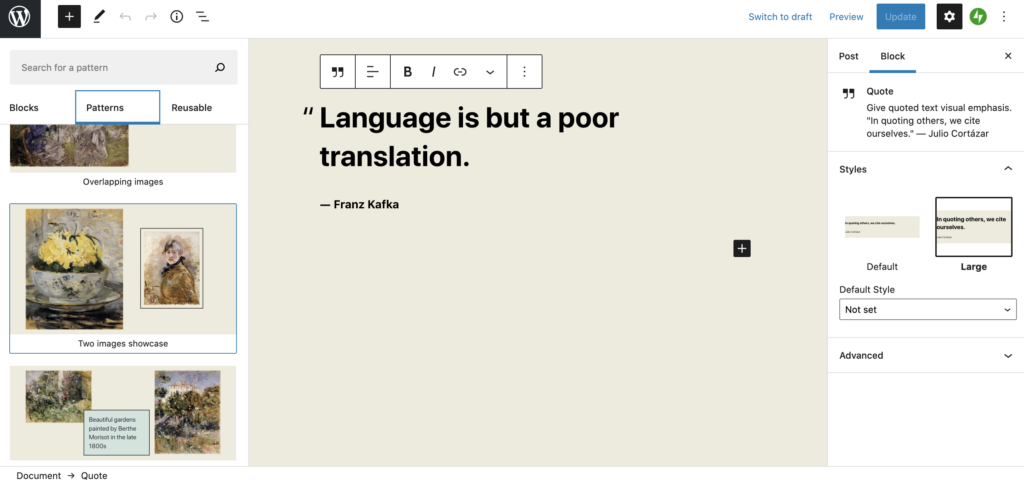
It seems I cannot chat with Kafka 🙁
The video block is as easy as popping a youtube or vimeo link into your page
Twenty Twenty One (TTO from now on) is the default WordPress theme and looks plain and old fashioned, but tailored around the new Block Editor. First off there’s a selection of default colours that are designed with Dark Mode support…
Inertia prevents many people from switching. Switching their bank, energy supplier, or their insurance provider. The idea that there is a better deal out there might sound appealing on one level, until you actually have to feel the pain of…
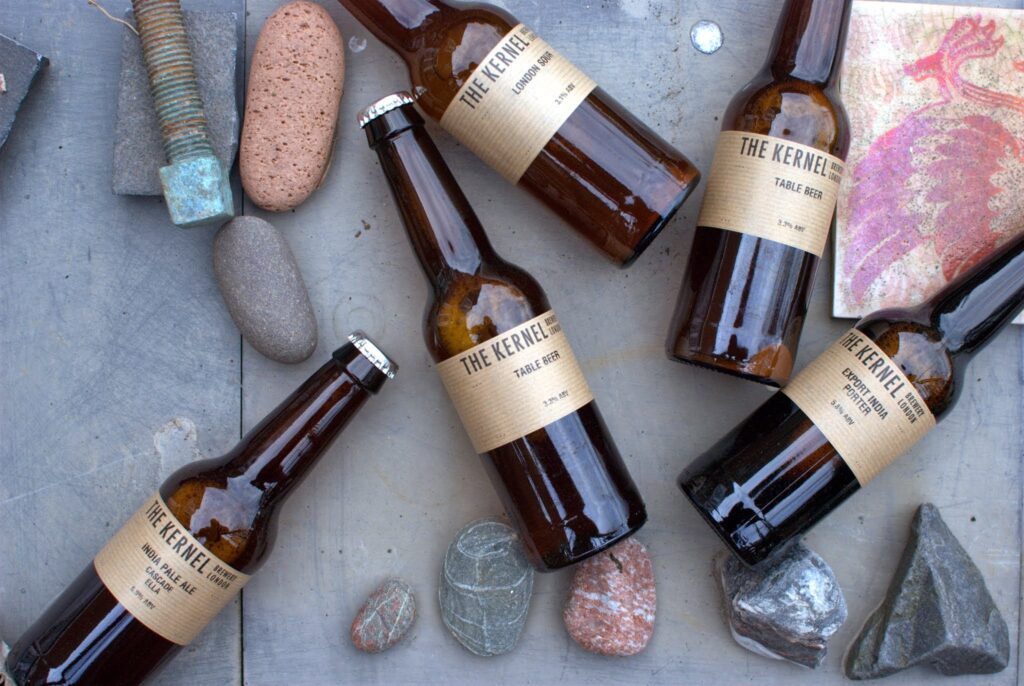
Many website users struggle with images, even those that have managed a website for years. Here’s some straightforward things you can do to make your photo publishing weblife easier. The image block is easy to use as is the gallery…
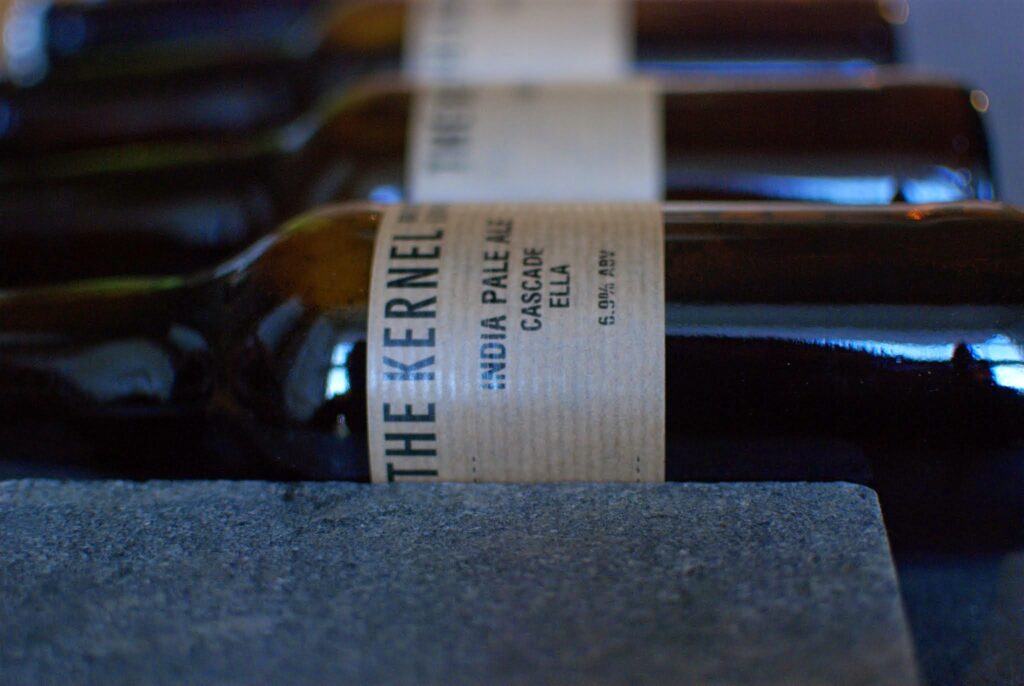
Is our new default theme, i.e. when you fire up a new site. By all means upgrade to Twenty Twenty Two, if that feels right for you or you fear being left out of the full site editing experience, but…
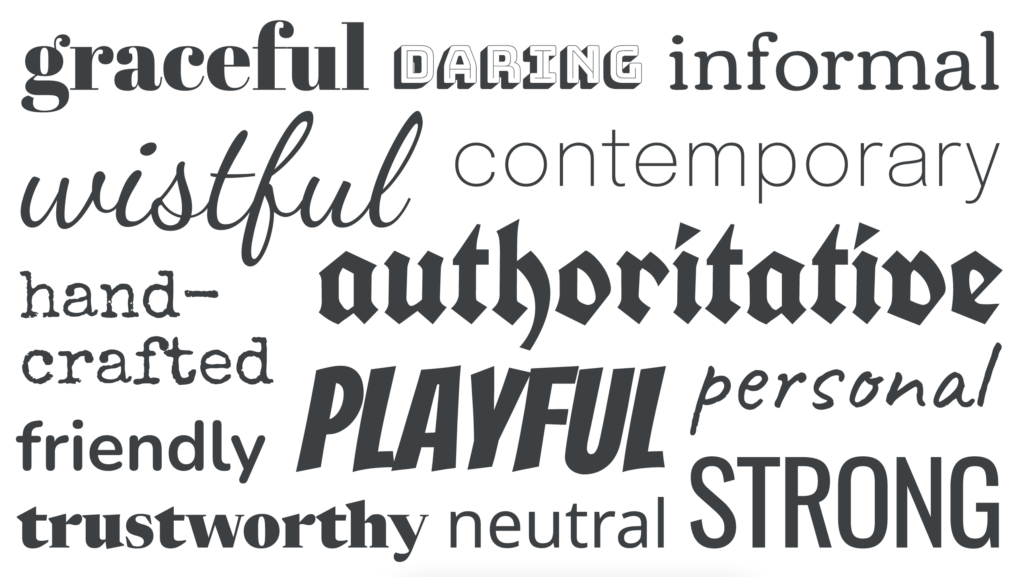
Choosing the right font for the job is pretty easy, scroll down the font list in your customizer until you find the one you like, no? Even professional designers in a hurry might do this, e.g. if doing a quick…
To jump start your website, just start writing. Your website is hidden from search engines at startup, so you are safe to experiment away. No one will see your edits until you make it live. Even if you are intent…